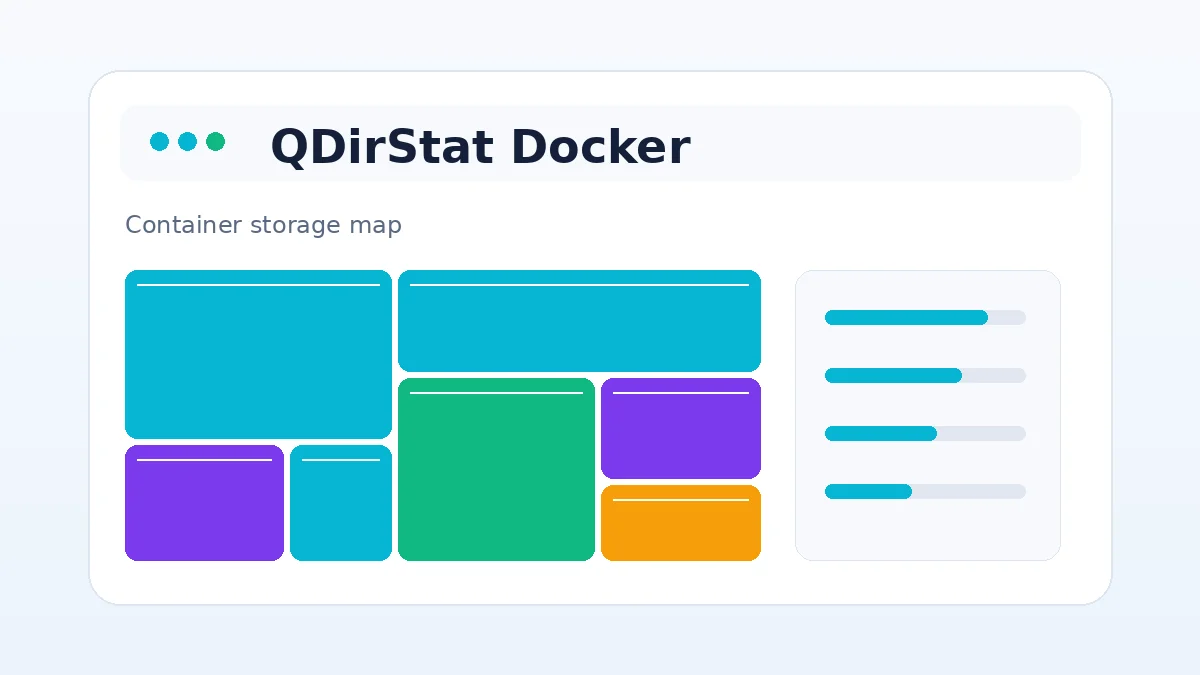
QDirStat is a graphical desktop application, so a Docker deployment normally adds a browser-based or remote desktop layer around the program. That can be convenient for a server, but it is more complex than installing QDirStat directly on a Linux desktop.
The most important container decision is the storage mapping. A container can analyze only the paths mounted into it, and writable mounts can also expose those paths to cleanup commands.
Understand the container layout
Application layer
The image contains QDirStat and the components needed to display its interface remotely.
Data layer
Host directories are mapped into the container. Their container-side paths may not match the original host paths, so confirm both before acting on a file.
Map storage safely
Prefer read-only mounts
Use read-only mapping when the goal is analysis rather than cleanup. This limits the impact of an incorrect command inside the container.
Map the smallest useful path
Avoid exposing the entire host filesystem when one data directory is enough. Smaller scope improves security and can make navigation clearer.
Handle user and group permissions
Match ownership
The process inside the container needs permission to read the mapped files. Align user and group IDs where the image supports that configuration.
Do not solve every error with privilege
A highly privileged container may hide permission problems while expanding risk. Fix ownership or mount options instead.
Plan scan performance
Expect remote overhead
A browser or remote desktop adds display overhead, while network-backed data adds storage latency.
Avoid repeated full scans
Use a focused mount or cache-based workflow when the same large tree must be reviewed regularly.
Next steps
Return to the main QDirStat page for the source archive, compatibility summary and twenty-question FAQ, or continue with a related guide below.